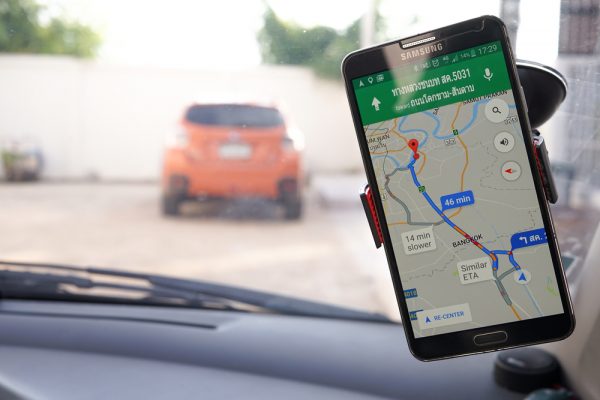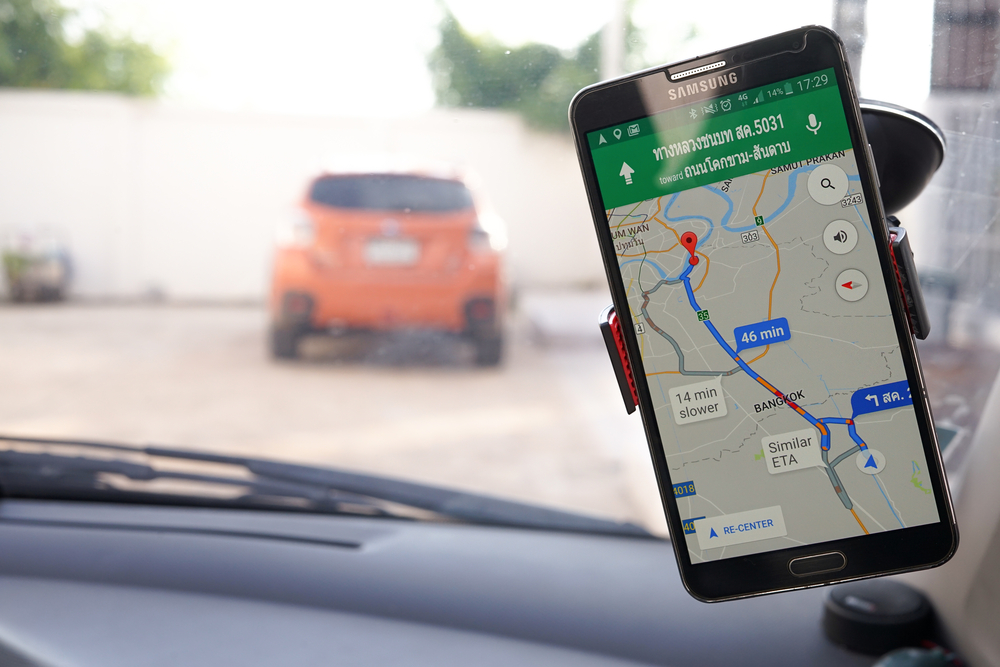
Do you want to see the traffic ahead before you start driving to your destination? Do you want to know the shortest route to where you’re headed? I know you want to make it early to the Monday morning meeting in your office. Here’s a tip to help you survive Lagos traffic.
Google Maps can help you check the traffic flow in your route. Of course, because the app works with a satellite, it’s not always 100 percent accurate, but it’s efficient enough to be a guide.
Here’s how it works:
Note: Turn-on your Android mobile smartphone GPS before initiating the steps below.
- Step 1: Open Google Maps on your mobile android smartphone.
- Step 2: Click on GO at the bottom right of your phone screen.

- Step 3: at the new pop up, Input your destination in the ‘Choose destination’ box.

- Step 5: After putting your destination, it’ll highlight the road route and estimate the time you’ll arrive at your destination.

- Select start if you want to hear the GPS guide as you drive.
Note: The highlights in different colors to show the traffic situation on the route to your destination. Red Colour signifies Heavy Traffic; Orange Colour signifies Light Traffic; Blue Colour signifies Traffic Free Road.