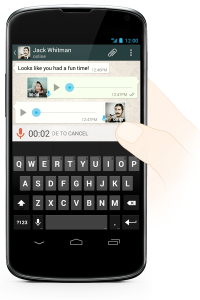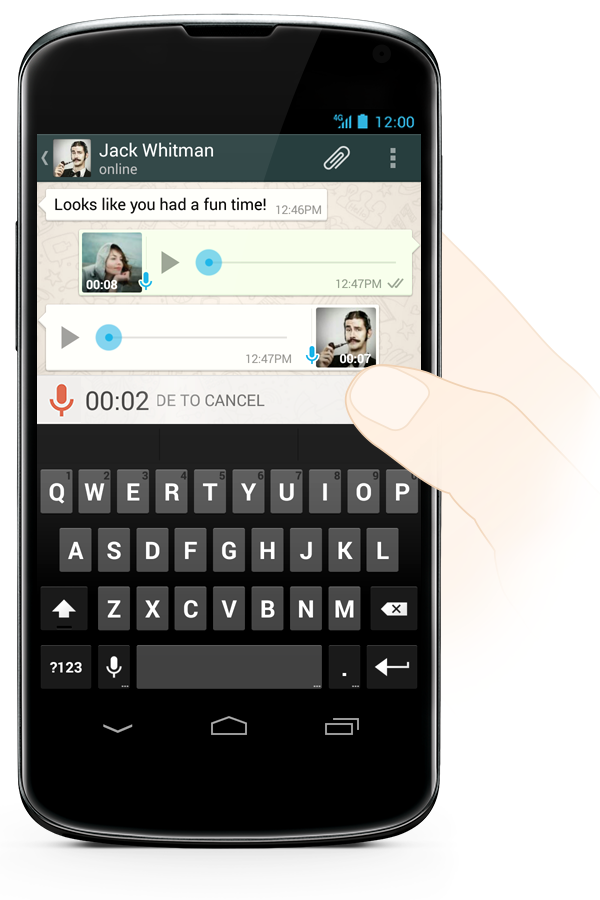

Today, WhatsApp is introducing Voice Messages on all of its platforms simultaneously. WhatsApp voice messaging allows you to instantly speak to a contact or group chat. It provides an enriching chat experience, and you can count on it to deliver important and time-sensitive messages. As such, all Voice Messages are downloaded automatically.
To use Voice Messaging, simply tap and hold on the  button that replaces the
  button before you start typing a message. While recording with Voice Messaging, you can slide left to cancel instantly. When your contact has listened to the message, the microphone icon will turn blue.
After you receive a Voice Message, click the  play button to listen. Hold the phone up to your ear to have the message play through your phone’s speakers or simply hold the phone away from your head to listen to the message on speakerphone. When headphones are plugged in, Voice Messages will always play through your headphones.
The microphone next to the messages that you have not listened to will be green. WhatsApp has ensured that iPhone and Android devices have perfectly working Voice Messages functionality, and has put extra effort into making sure that BlackBerry, Nokia and Windows Phone users can enjoy the same rich and powerful Voice Messaging experience.